
What Is a QR Code?
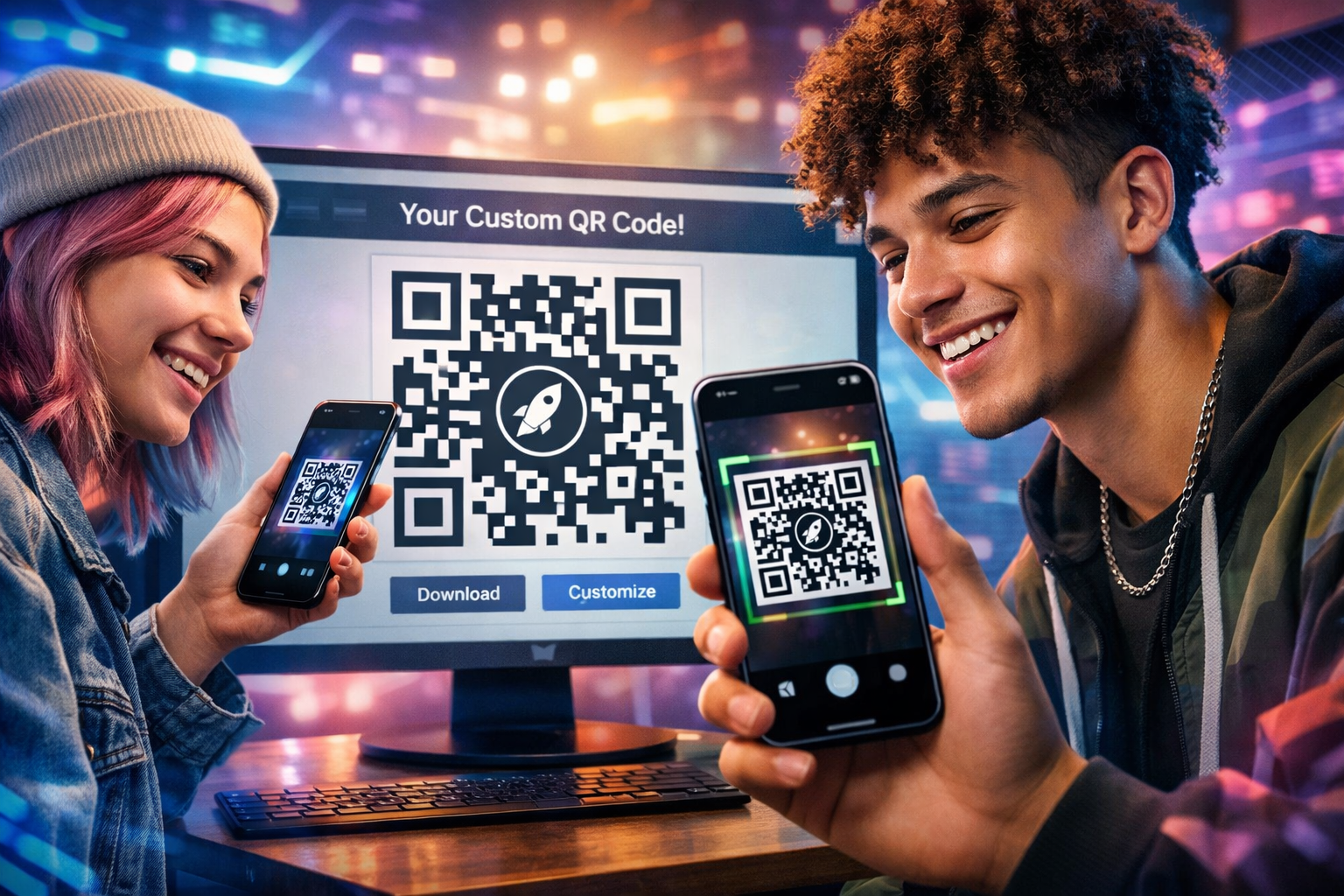
A QR code (Quick Response code) is a modern barcode that stores digital information. When scanned with a smartphone camera, it instantly opens websites, contact cards, restaurant menus, payment portals, videos, social profiles, WiFi access, maps and much more. QR technology was originally developed for manufacturing systems, but today it powers marketing, retail, entertainment, logistics, events, healthcare and smart packaging around the world.
Fast & Contactless
QR codes allow users to instantly access information without typing URLs or downloading apps. This makes them perfect for modern touch-free experiences in restaurants, stores, airports, conferences and customer support systems.
Easy To Share
A single QR code can distribute websites, files, coupons, event tickets, digital business cards, product manuals, video tutorials and even secure WiFi credentials.
Custom Branding
Modern QR generators allow custom colors, logo uploads, neon frames, rounded styles and premium designs that match your company branding while still remaining highly scannable.
How To Use The QR Code Generator
Creating a professional QR code only takes a few minutes. Follow these simple steps to build customized QR codes for websites, social media, events, files, products and more.
Select Your QR Type
Choose the type of content you want your QR code to open. Popular choices include website URLs, YouTube videos, WiFi access, contact cards, Instagram pages and downloadable PDFs.
Enter Your Information
Paste your website link, phone number, email address or other content. Always double-check spelling and formatting before generating your final code.
Customize The Design
Change colors, select different QR styles, add glowing frames, and upload your logo for a premium branded appearance. High contrast colors such as black on white scan best.
Preview & Test
Use the live preview window to verify everything looks correct. Scan the QR code with multiple phones before publishing or printing.
Download & Publish
Export your QR code as PNG, SVG or PDF for websites, posters, menus, packaging, flyers, signs, business cards and advertisements.
Creative & Cool QR Code Uses
QR codes are now used far beyond simple websites. Innovative brands and creators are building interactive experiences, smart packaging and immersive customer journeys using QR technology.
Interactive Product Packaging
Luxury brands place QR codes on packaging to unlock product videos, authenticity verification, setup instructions and VIP customer experiences.
Restaurant Smart Menus
Restaurants use QR menus to instantly update prices, specials, allergy information and seasonal promotions without reprinting menus.
AR & Gaming Experiences
Some companies use QR codes to launch augmented reality experiences, scavenger hunts, collectible rewards and hidden game content.
Event Check-Ins
Conferences and concerts use QR codes for instant ticket validation, attendee registration, networking profiles and digital schedules.
Smart Business Cards
Digital business cards allow clients to instantly save contact details, social media links, websites and portfolios directly into their phone.
Video Instruction Guides
Manufacturers place QR codes on machines and products so customers can scan and instantly watch troubleshooting videos or installation tutorials.
Frequently Asked Questions
Standard QR codes do not expire. They will continue working as long as the linked content remains active.
Yes. QR codes are commonly printed on flyers, banners, menus, product labels, storefronts, magazines and event signage.
Dark foregrounds with light backgrounds provide the best scanning performance. Avoid low contrast combinations such as yellow on white.
Absolutely. Upload PNG, JPG, SVG or WEBP logos for branded QR designs. High error correction settings help maintain scan reliability.