QR Code Content
Customization
Use VERY HIGH contrast colors for best scanning.
Example:
Black foreground + White background.
Branding
Recommended Logo Settings
- PNG Recommended
- Transparent Background Preferred
- Minimum Size: 100x100
- Recommended Size: 500x500
- Maximum File Size: 5MB
- Logo Should Cover Less Than 20%
- Logo Should be jpg, png, jpeg, svg or webp
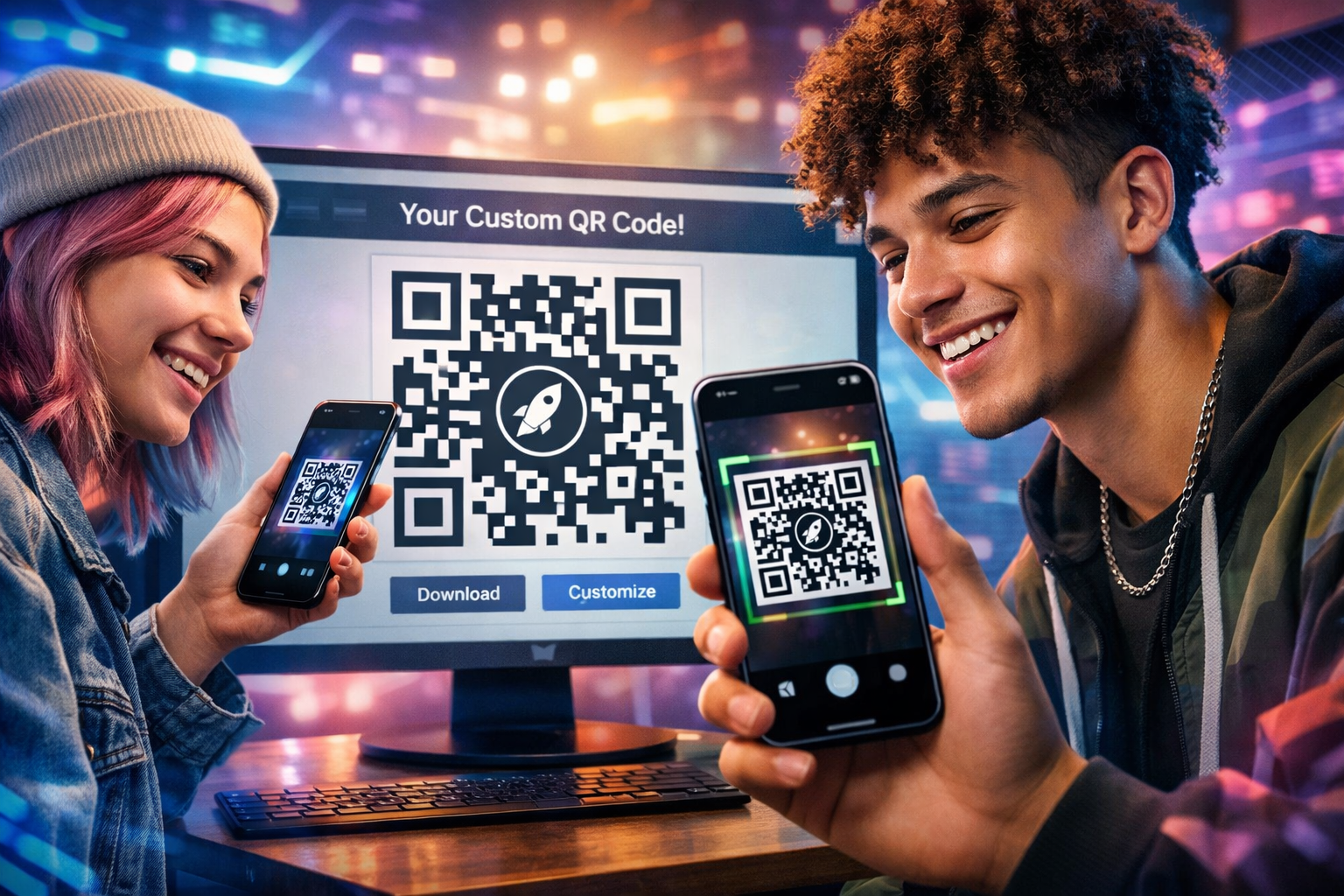
Live QR Preview
User Experience Tips
- Use high contrast colors.
- Use transparent PNG logos.
- Do not cover too much of the QR.
- Use High Error Correction for logos.
- Always test your QR before publishing.
Creative QR Inspiration